
For schools, clubs and swimming programmes
Knowing how to swim isn't enough. Assess real aquatic competence.
Aquatic Competence compares what each student thinks they can do in the water with what they actually do in the pool. You see who is ready for water activities in safety and who needs more practice.
No account, no internet needed. Data stays on the device.
Two stages, one comparison
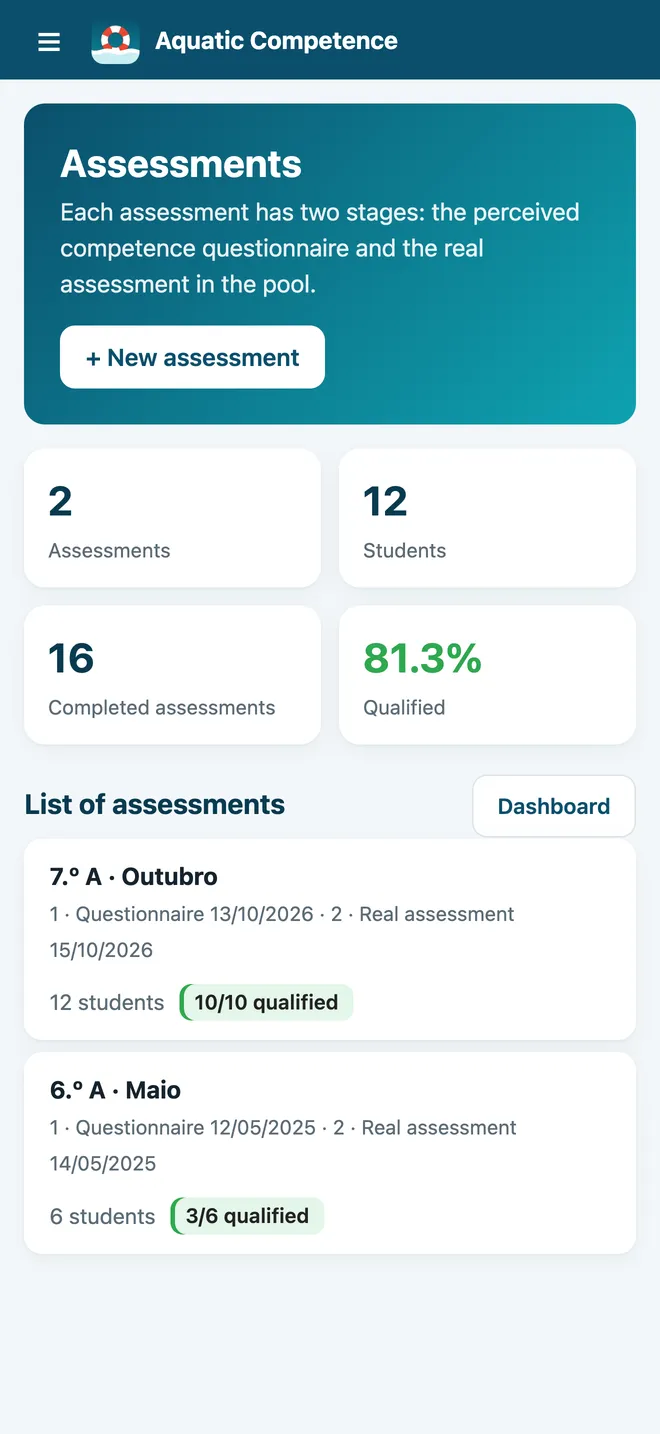
Perception is always assessed before reality. That order is what shows whether a student overestimates or underestimates what they can do.
- Stage 1
The student answers the questionnaire
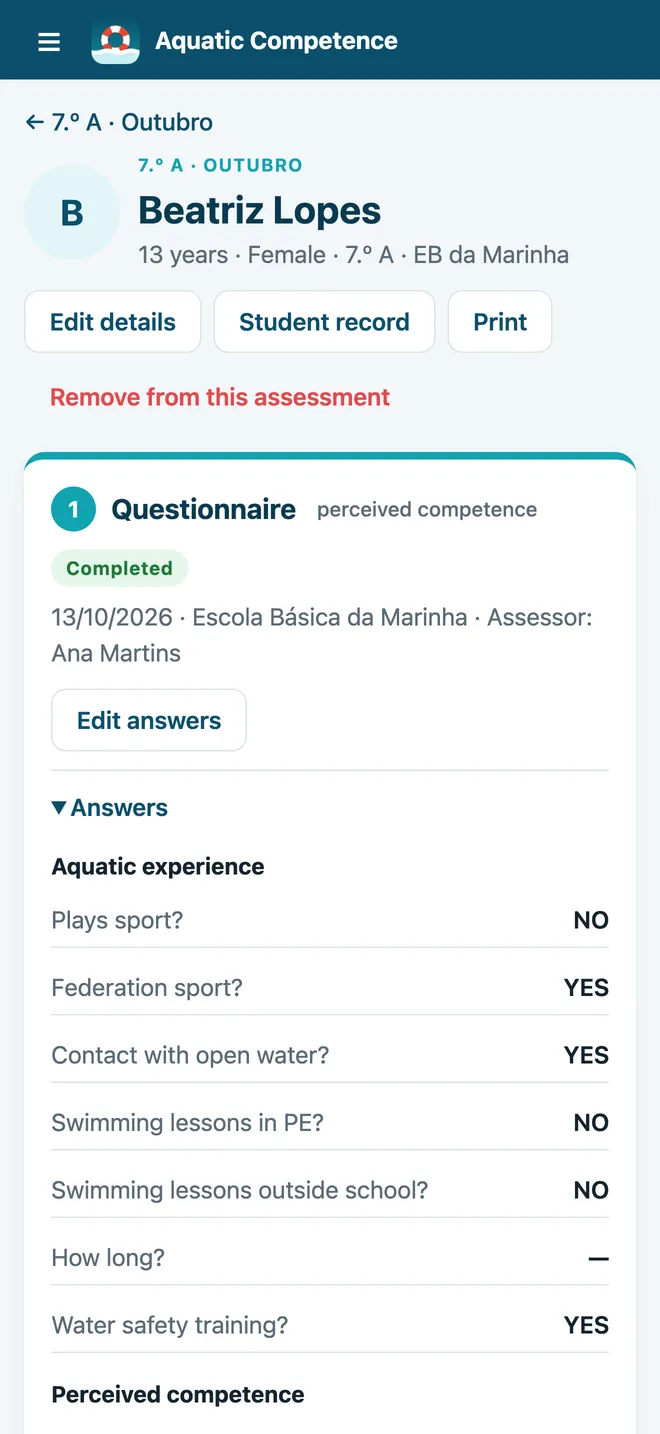
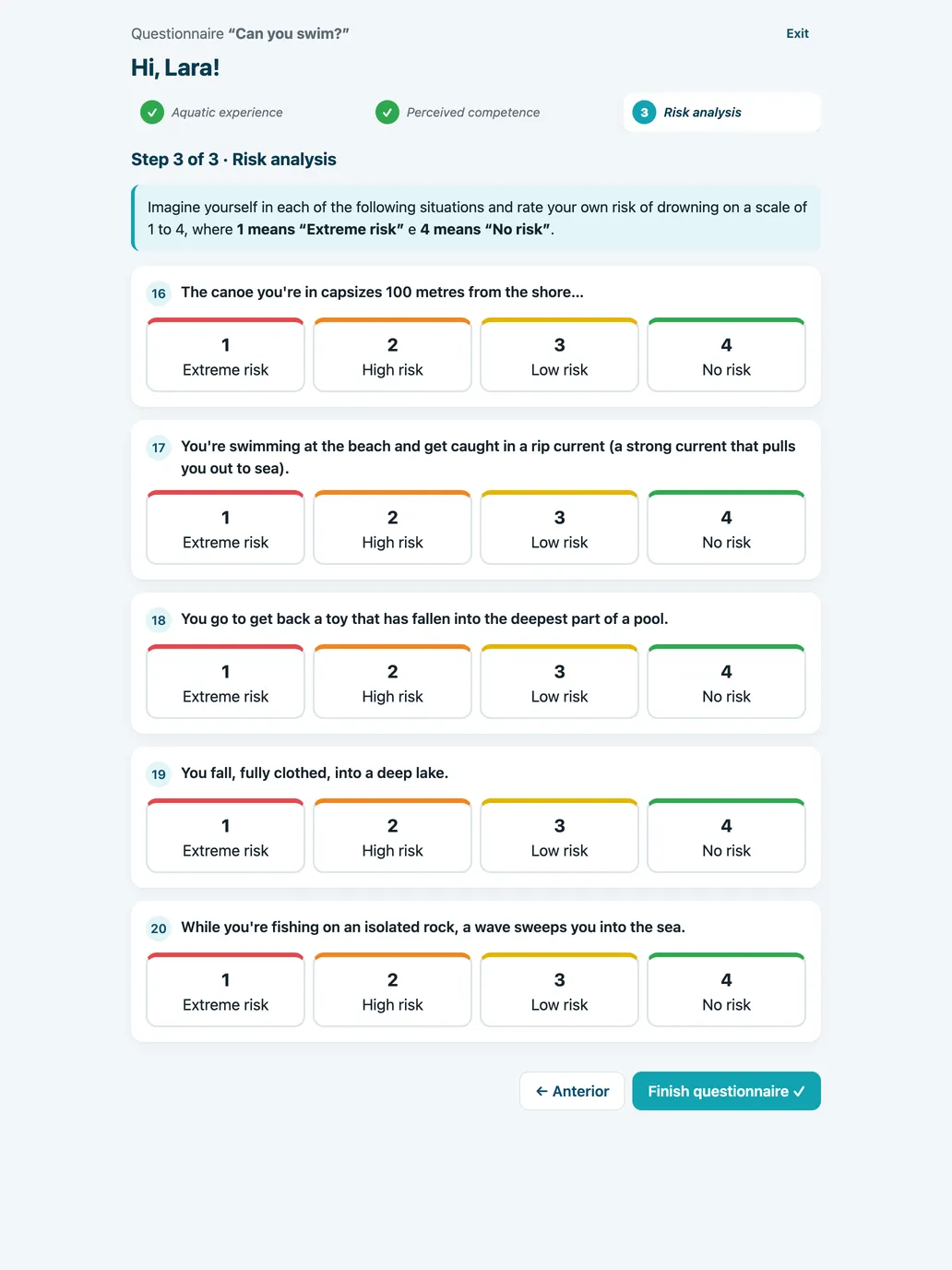
Water experience, how they rate themselves on six swimming and survival tasks, and the risk they see in five real situations. They answer on a tablet, on a screen with only the questions, or on paper.
- Stage 2
The assessor observes in the pool
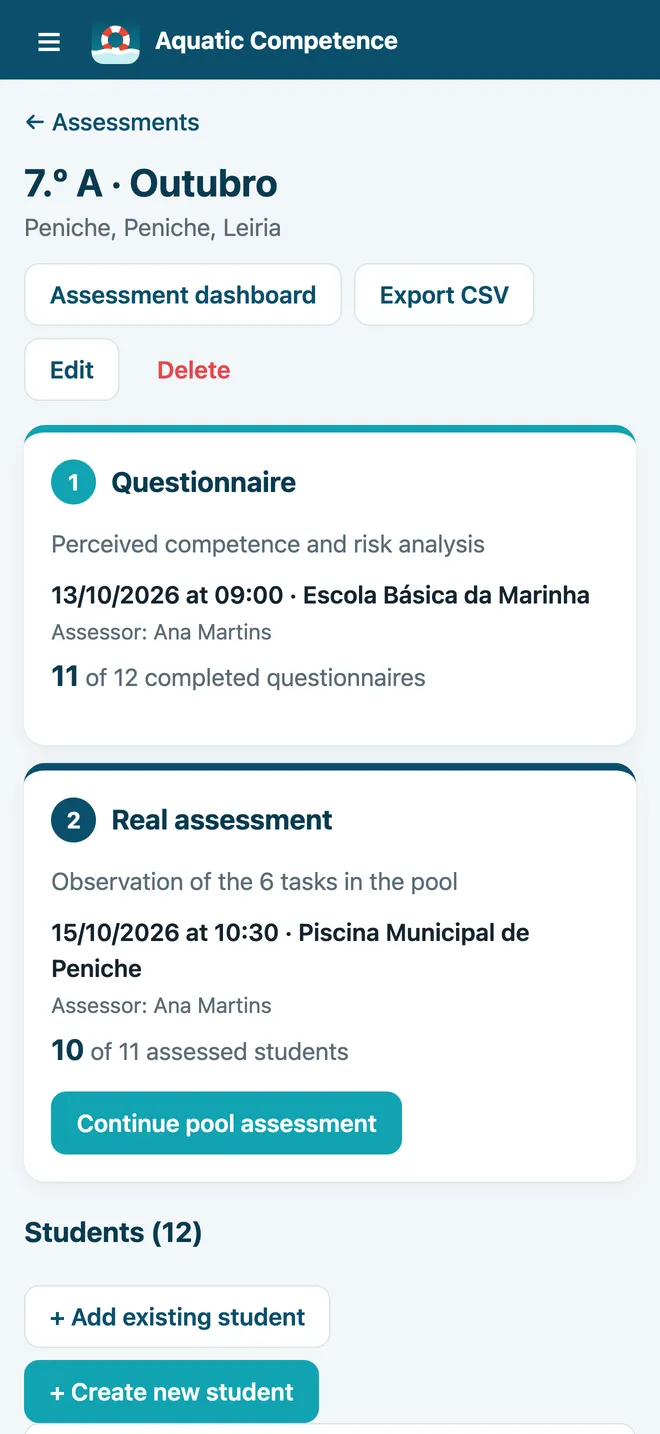
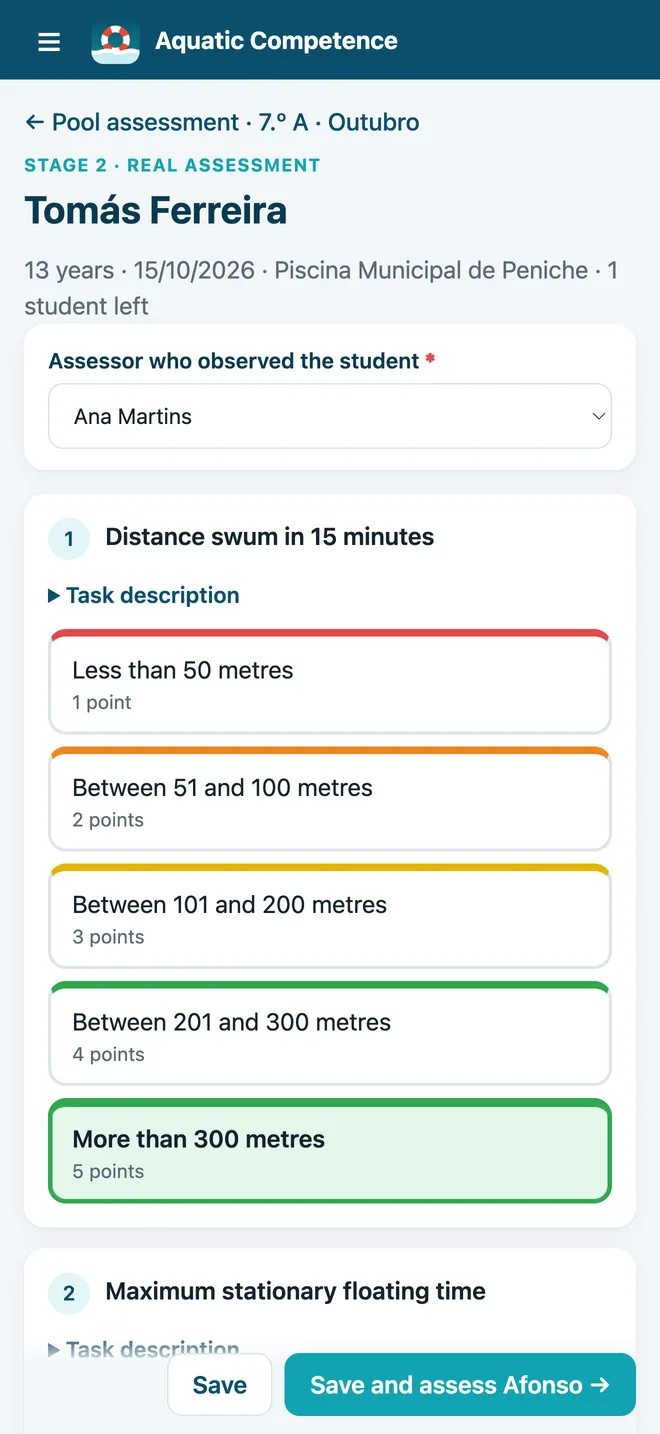
The same six tasks, observed in the water with performance descriptors for each level. The app moves straight on to the next student.
- Result
Scores and result straight away
Risk score, competence score and QUALIFIED or NOT QUALIFIED, calculated automatically. Qualified students get a PDF certificate.
Everything you need to assess a class
Student mode
A clean screen with only the questions, so the student can answer alone on a tablet.
Pool mode
Assess students one after another, with the descriptors for each level always at hand.
Perception vs reality
See, task by task, where each student overestimates, gets it right or underestimates.
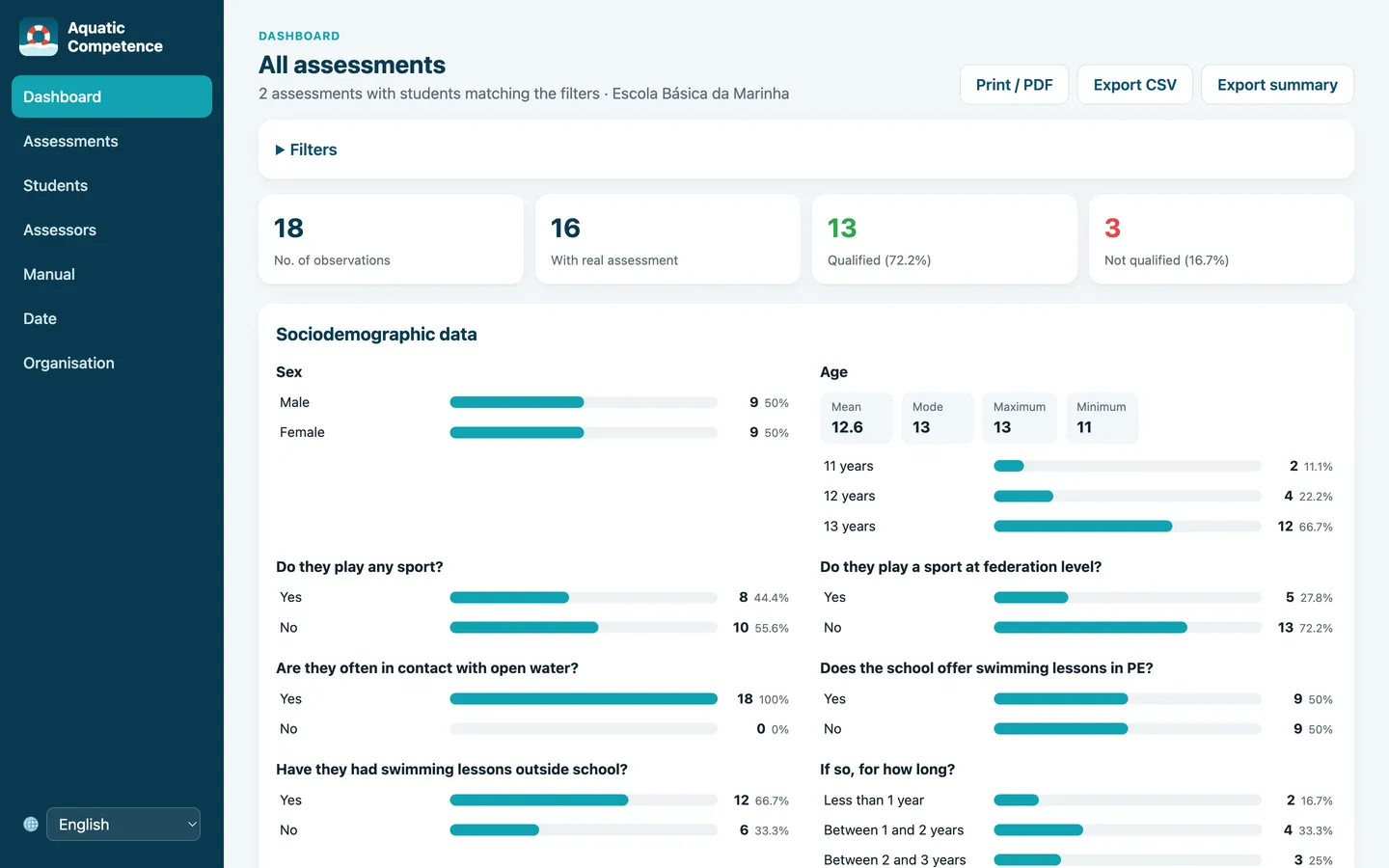
Dashboard
Group results filtered by period, assessment, class, sex, age and result.
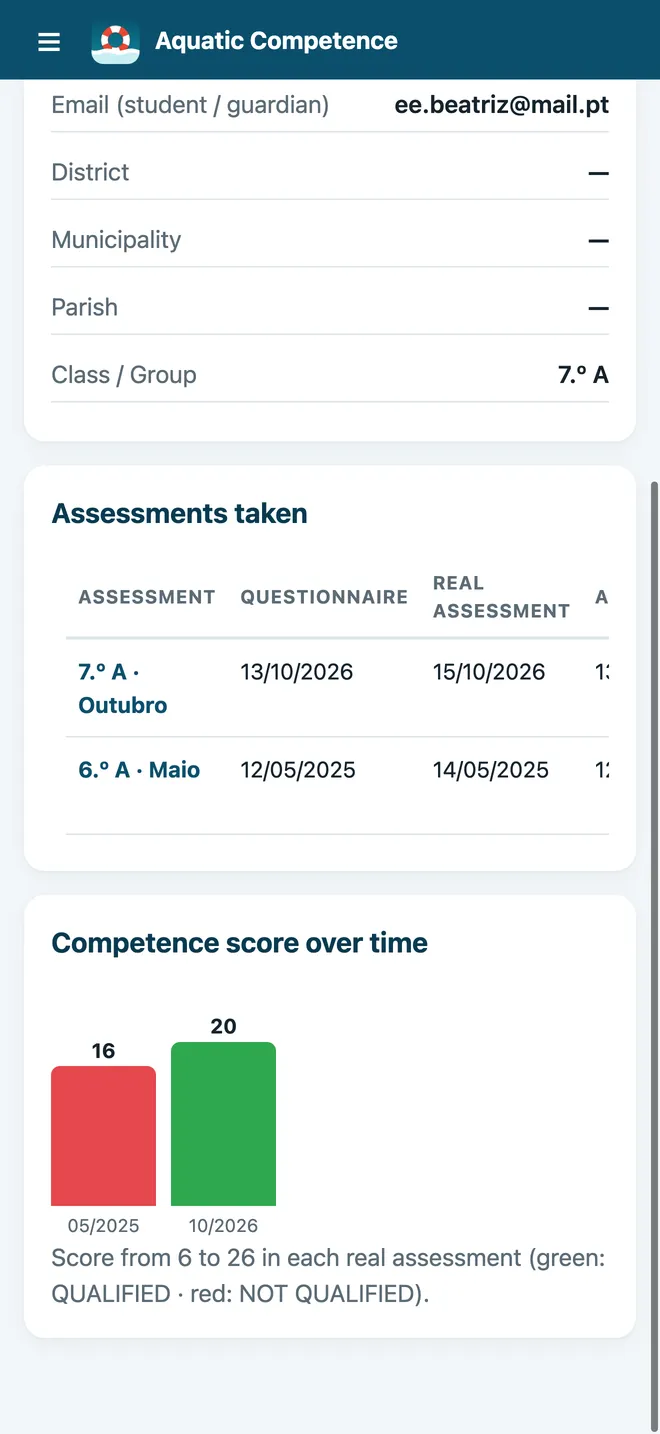
Each student’s history
One record per student with every assessment over the years and how the score has changed.
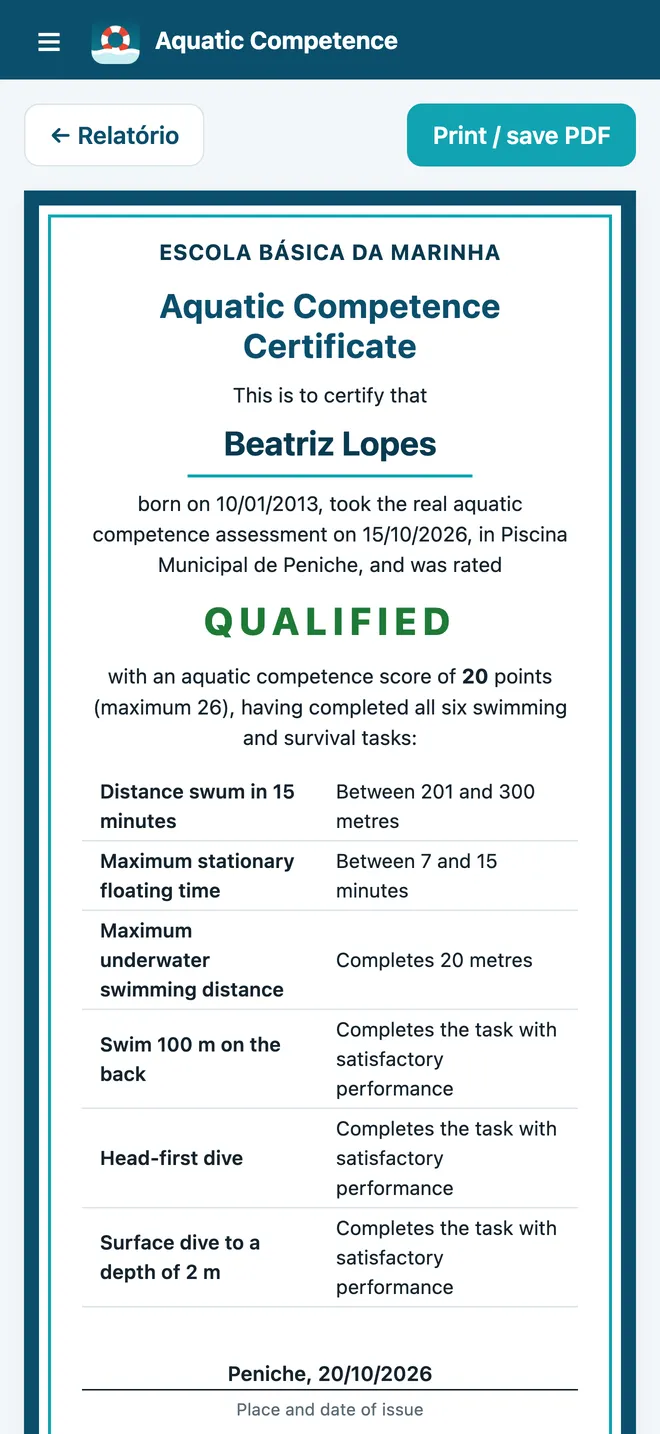
Certificates
A PDF certificate for qualified students, with your organisation’s logo.
Whole classes
Add a whole class at once, from existing records or a CSV file.
Several assessors
Each assessor has a profile and is recorded against every stage they assessed.
Export to Excel
Export and import all data as CSV and make full backups.
Built-in manual
Instructions, the task protocol and the descriptors inside the app.
Four languages
Portuguese, English, Spanish and French, including the student questionnaire.
A look inside the app
It works on phones, tablets and computers.
Student data stays with you
The app stores data about minors, so it was designed never to send it anywhere.
No accounts
No sign-up, no login. Install it and start.
Works offline
Ideal at the pool, where the signal often drops.
Data only on the device
Nothing is sent to servers or third parties.
Backups
Save everything to a file and move it to another device whenever you like.
Who it is for
Schools
PE teachers who want to know which students in the class are safe in the water.
Clubs and pools
Coaches and instructors who follow swimmers’ progress season after season.
Water safety programmes
Organisations that need a clear standard before water sports and activities.
On all your devices
Frequently asked questions
Do I need internet to use the app?
No. The app works fully offline, including at the pool.
Where is the data stored?
Only on the device where the app is installed. You can export the data as CSV or make a full backup whenever you like.
Can several teachers use the same app?
Yes. Each assessor has a profile, and every assessment records who ran the questionnaire and who assessed in the pool. To combine data from several devices, use CSV export and import.
Do students need an account or a phone?
No. Students answer on the assessor’s device in student mode, or on paper.
What is assessed?
Six swimming and survival tasks (distance swum, floating, underwater swimming, backstroke, head-first dive and surface dive) and risk perception in five real situations.
Can I work with the data in Excel?
Yes. The CSV export opens straight in Excel, with one row per student and every result.
Want to use it at your school or club?
Get in touch to find out about terms, pricing for organisations and release dates.
Send an email